
As the year draws to a close, it’s easy to slip into “coasting mode”—but “if you’re coasting, you’re losing momentum.” Instead, the end of the year is the perfect time to set your organization up for success in the coming year, especially if you’re running Dynamics 365 Business Central. Here’s a practical checklist to help you finish strong and prepare for a dynamic new year.
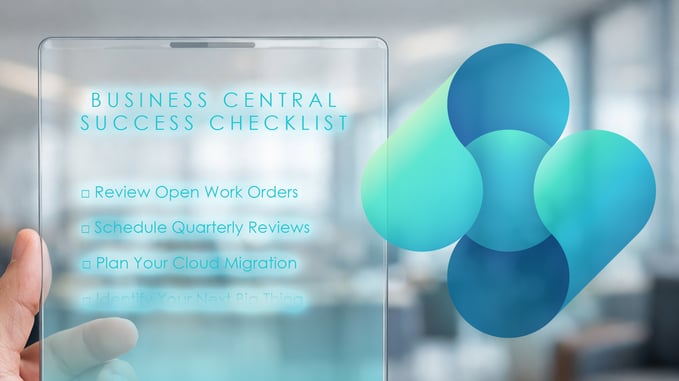
1. Review Open Work Orders
Don’t let unfinished business linger. Pull out those work orders and design documents that have been sitting on the back burner. Decide what can be completed, signed off, or cleaned up before year-end. Not only does this help maximize your budget, but it also sets your departments up for greater productivity and less stress.
2. Schedule Quarterly Reviews
Regular reviews with your partner or internal teams are essential. Use these sessions to reflect on the past year’s wins, discuss upcoming projects, and align on new features or changes coming from Microsoft. These reviews are opportunities for improvement and can help expedite future initiatives.
3. Plan Your Cloud Migration
If you’re still on NAV, now is the time to plan your move to Business Central SaaS. Microsoft’s “Bridge to the Cloud” programs offer significant licensing discounts, but these are time sensitive. Beyond cost savings, cloud migration brings benefits like automatic updates, easier management, and the ability to test third-party apps in a sandbox environment before committing.
4. Identify Your Next Big Thing
Hold regular “wildest dreams” meetings with your team to brainstorm new ideas, automation opportunities, and customizations. Focus on one major initiative to keep everyone aligned and moving forward together.
5. Attend Industry Events
User groups, conferences, and customer events are invaluable for learning, networking, and discovering new solutions. Early registration often means better pricing and hotel options. In addition, be sure to mark your calendars for our Innovia Customer Conference next year on April 14th-15th in Indianapolis!
6. Clean Up Your Data
“Clean data in, clean data out.” Take time to tidy up your master data, archive unused records, and automate data management where possible. This not only improves reporting but also makes future migrations and audits much smoother.
7. Prepare for Month-End and Year-End Close
Consistent month-end processes make year-end close much easier. Review posting dates, close inventory periods, reconcile AR/AP, and ensure your financials are accurate. Regular attention to these tasks means you’ll be ready for audits without last-minute panic.
8. Embrace AI, Automation, and Analytics
Explore new features like Copilot and AI agents in Business Central. Start small—use AI for simple tasks and gradually expand its role. Enhanced analytics and reporting tools, especially those integrated with Excel, empower better decision-making and free up your team for higher-value work.
9. Review Licensing and Renewals
Check your licensing structure—annual plans are often more cost-effective than month-to-month. Validate user licenses to ensure everyone has the access they need and consider whether this is the year to take advantage of cloud migration discounts.
10. Invest in User Training
Continuous education is key and keeps your team confident and productive. Not only do workshops, webinars, and user groups support industry networking, they also help deepen your team’s knowledge of Business Central and related Microsoft tools. Make training a priority to maximize the value of your investment.
Final Thoughts
The holiday season is a time for celebration, but it’s also a strategic moment to reflect, clean up, and plan ahead. Whether your wish list includes more automation, better analytics, or simply a smoother year-end close, following this checklist will help you start the new year with momentum and confidence.
Here’s to your continued success with Dynamics 365 Business Central!
If you’d like to watch the full “Happy Holly-Daze - Your Year-End Dynamics 365 Business Central Success Checklist” webinar, please click here!